

Scan Asset Barcode
You will need to accept permissions
to access your camera.
to access your camera.

Placeholder
1234
5678
UKAS
UKAS Calibration In Date
Date
Due
QR / Barcode Not Recognised
Please check that this is a PASS QR / barcode; If you are having issues please contact us.
Contact Us
Useful Links
Arrange a Calibration
Call us or book online
Find a Branch
Drop your instrument off
Manage 100+ Assets?
Request a full portal demo
What Else Do We Do?
Test Equipment
From the leading brands.
Shop Now
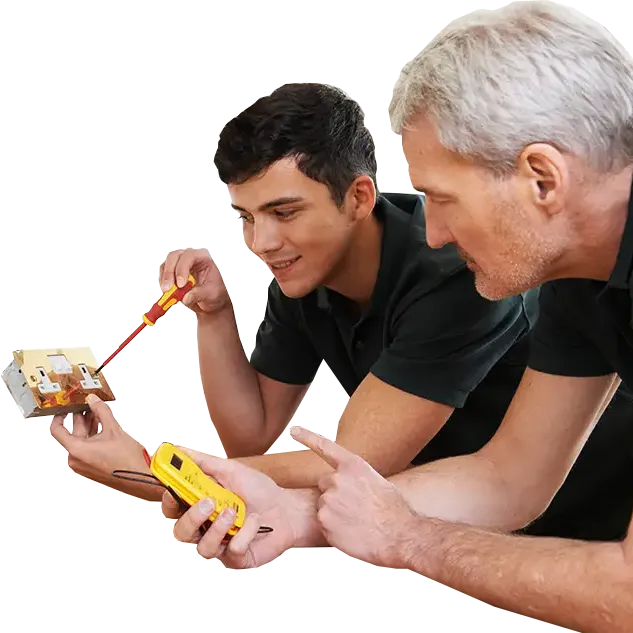
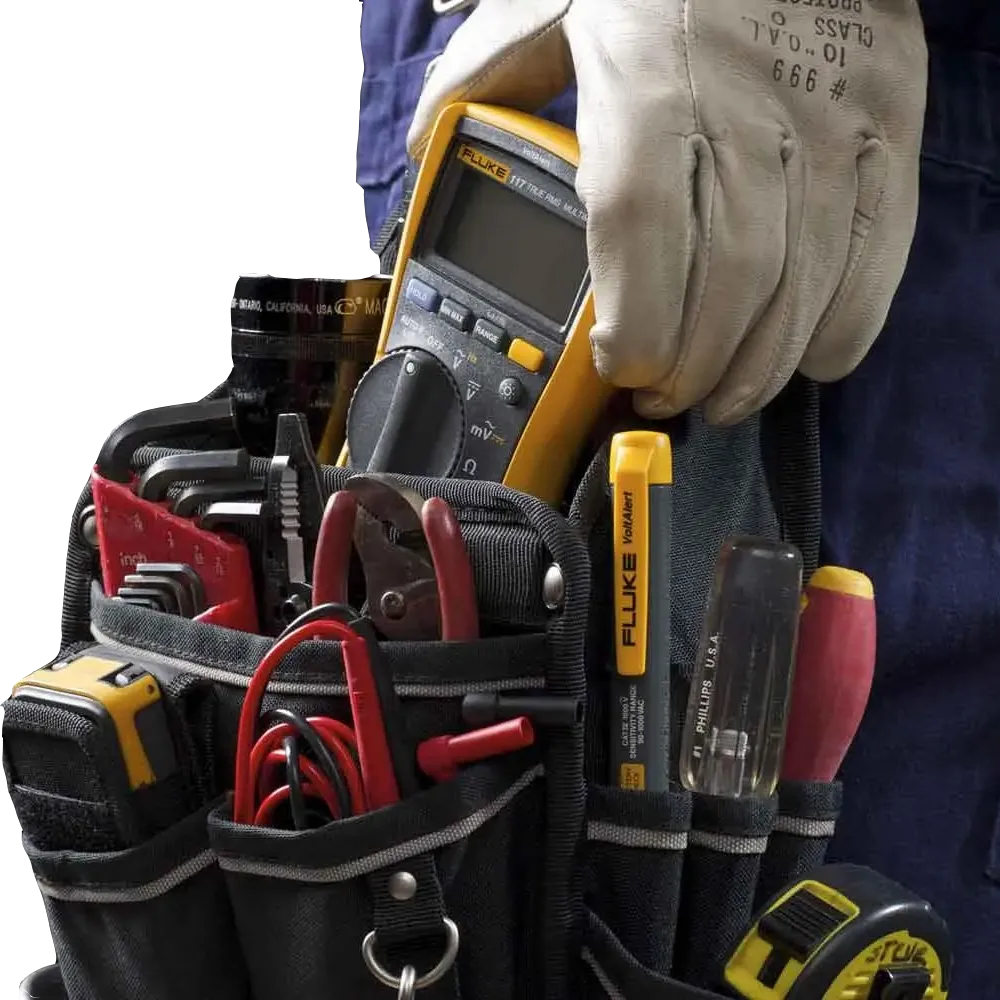 Training Courses
Electrical, HV, and more.
Shop Now
Training Courses
Electrical, HV, and more.
Shop Now
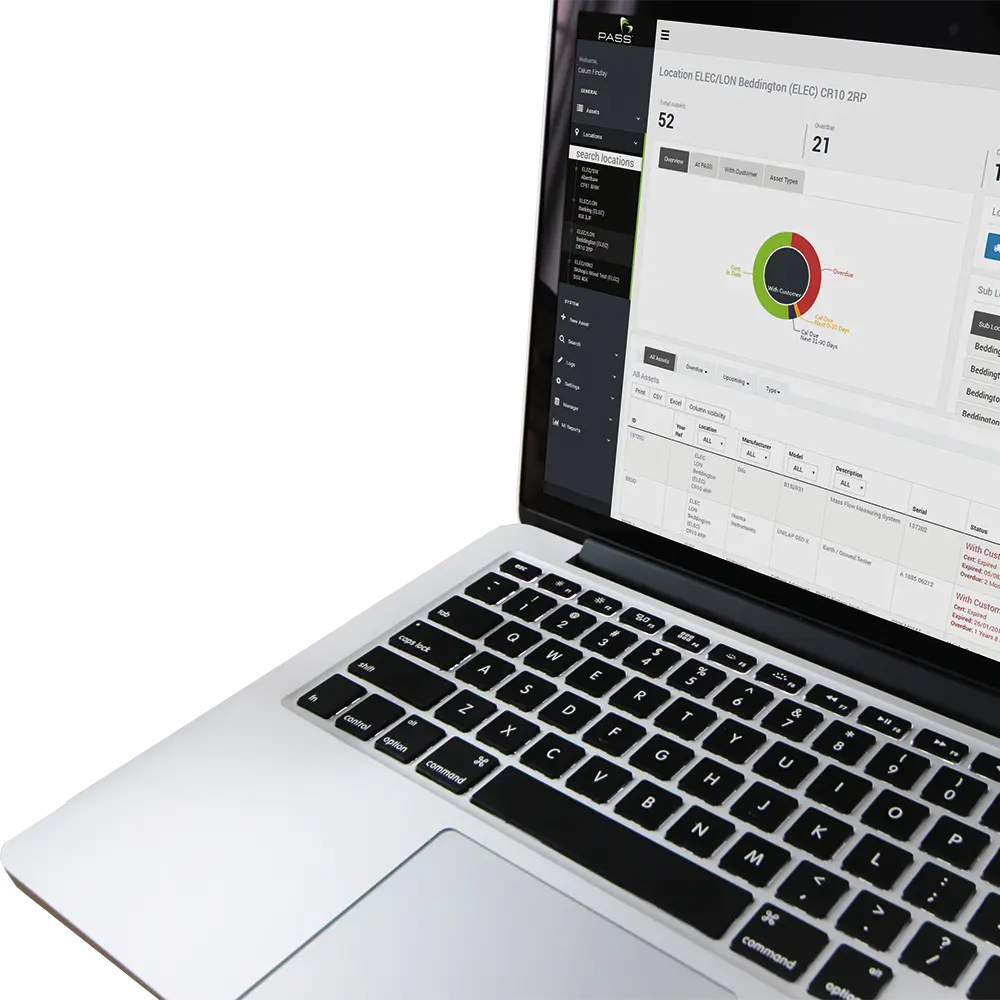
 Full Portal Access
Responsible for 100+ assets?
Request a Demo
Full Portal Access
Responsible for 100+ assets?
Request a Demo
1.21
Your OS/Browser does not support automatic PWA installation. Please follow our guide to install manually on your device:
iOS Webkit (Safari, Chrome, Firefox)
Tap the "Share" button.
Scroll to and tap the "Add to Home Screen" button.
Tap "Add" in the top right corner.
Access AssetScan directly from the shortcut created.
Android Firefox
Tap the three dots icon in the top right of screen.
Tap "More".
Tap "Add app to Home screen".
Access AssetScan directly from the shortcut created.
Arrange calibration for:
For additional services please call 01642 053903